
Introduction
The RunDiffusion LoRA Trainer is an intuitive, cloud-based tool that allows users to train custom AI models tailored for use within the RunDiffusion Platform (Formerly Runnit Platform). Whether you want to generate AI-driven character designs, unique art styles, or specialized objects, the RunDiffusion LoRA Trainer simplifies the process with an easy-to-use interface and fast training times.
Why Use RunDiffusion Trainer?
- No Technical Setup Required – Train models without the need for advanced coding or machine learning expertise.
- Cloud-Powered Training – No need for high-end GPUs; everything runs seamlessly on RunDiffusion’s powerful cloud infrastructure.
- Fast Training Times – Get your model ready in as little as 5-10 minutes.
- Seamless Integration – Use your trained models instantly for AI image generation on the RunDiffusion Platform.
RunDiffusion LoRA Trainer Video Tutorial
How to Train a Model in RunDiffusion LoRA Trainer
Follow these simple steps to create and use your own model on the RunDiffusion Platform:
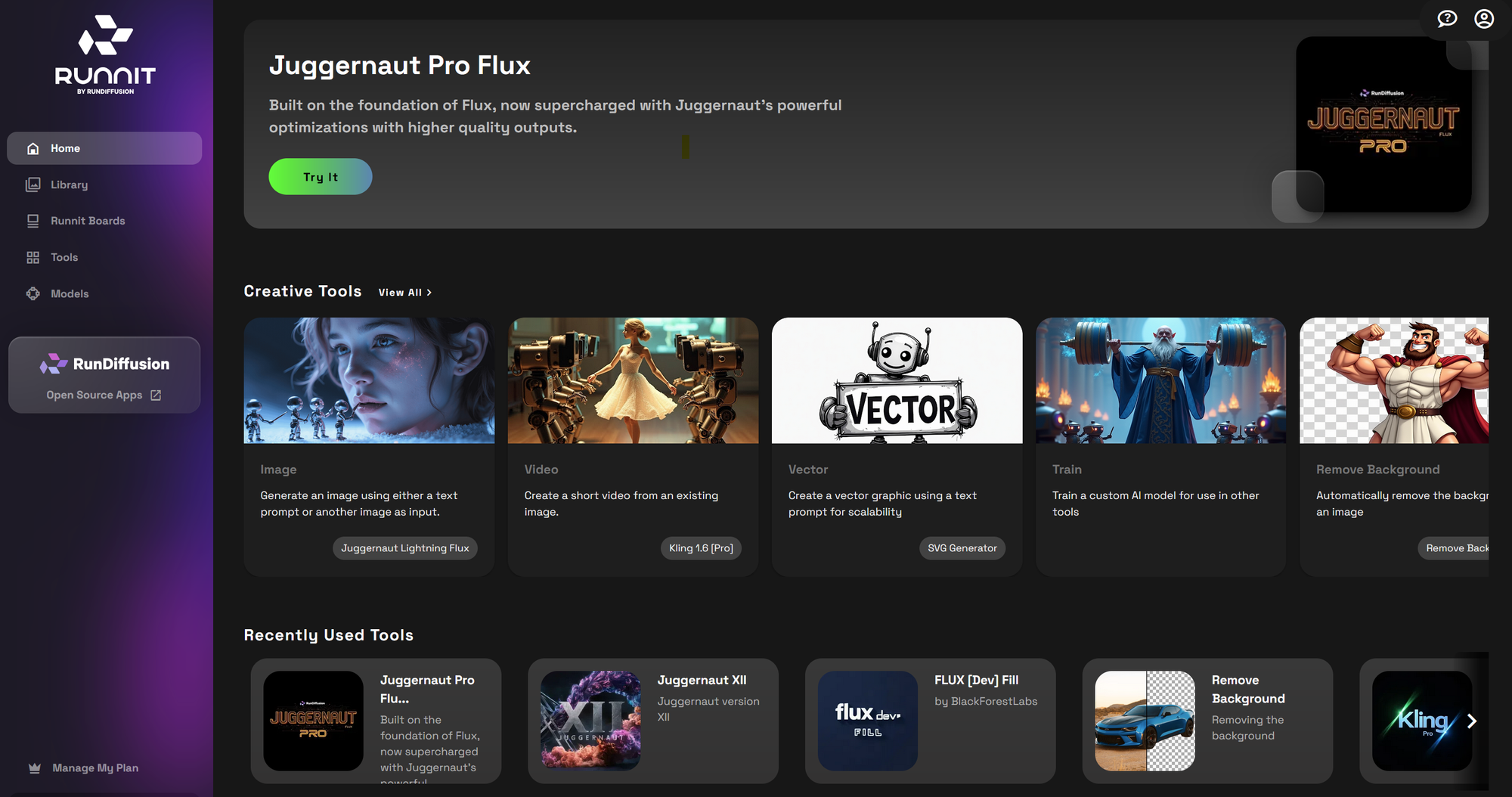
Go to the RunDiffusion Platform: Link
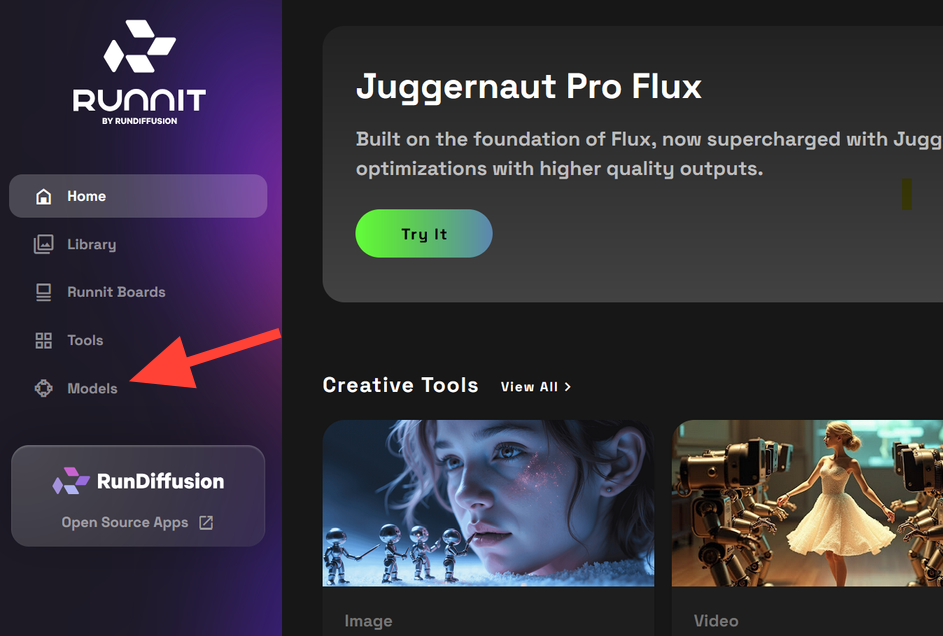
Click on the Models tab on the left sidebar.
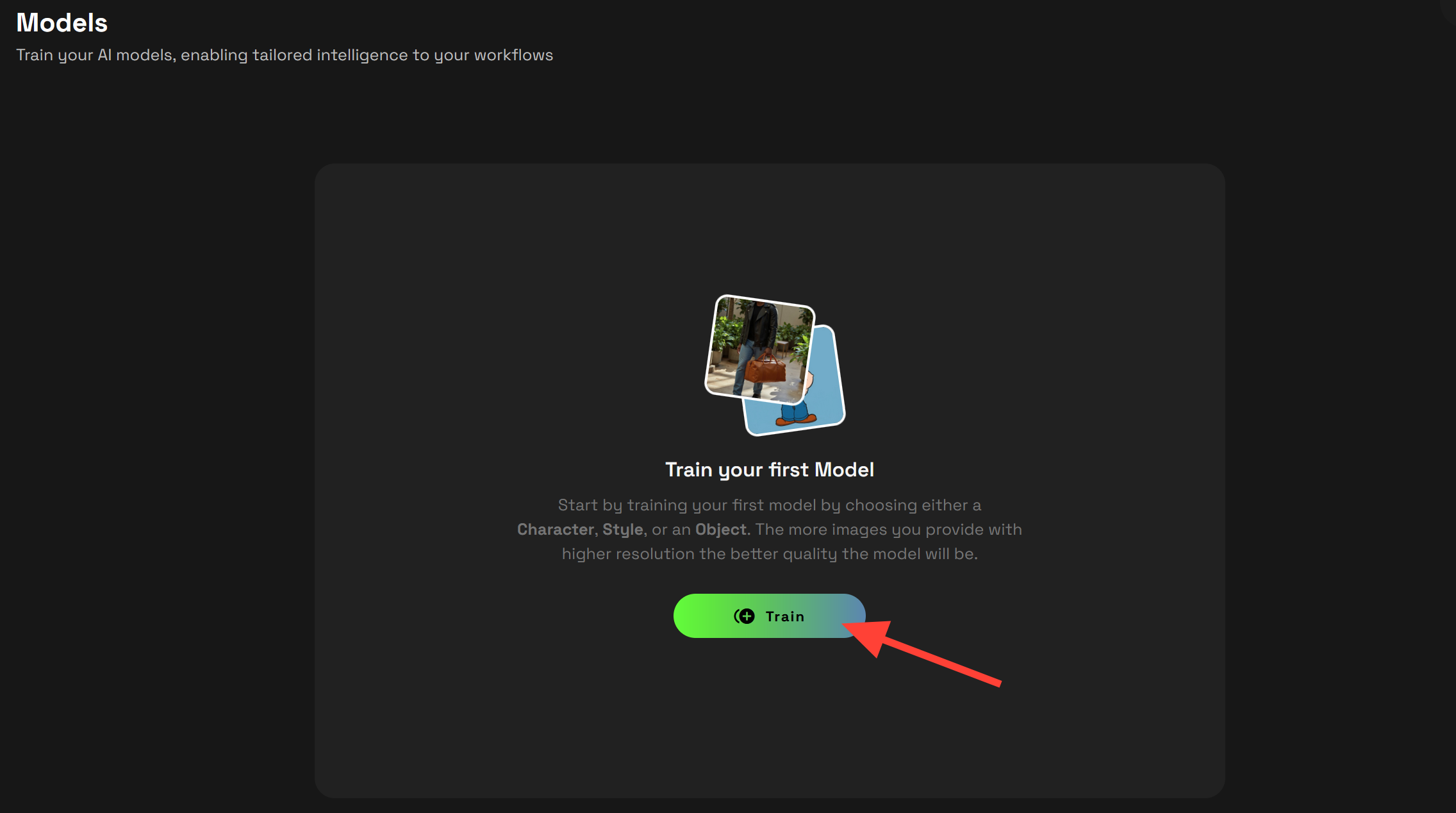
Select Train or Add Model.
Pick a Model Type: Choose from Character, Art Style, or Object.
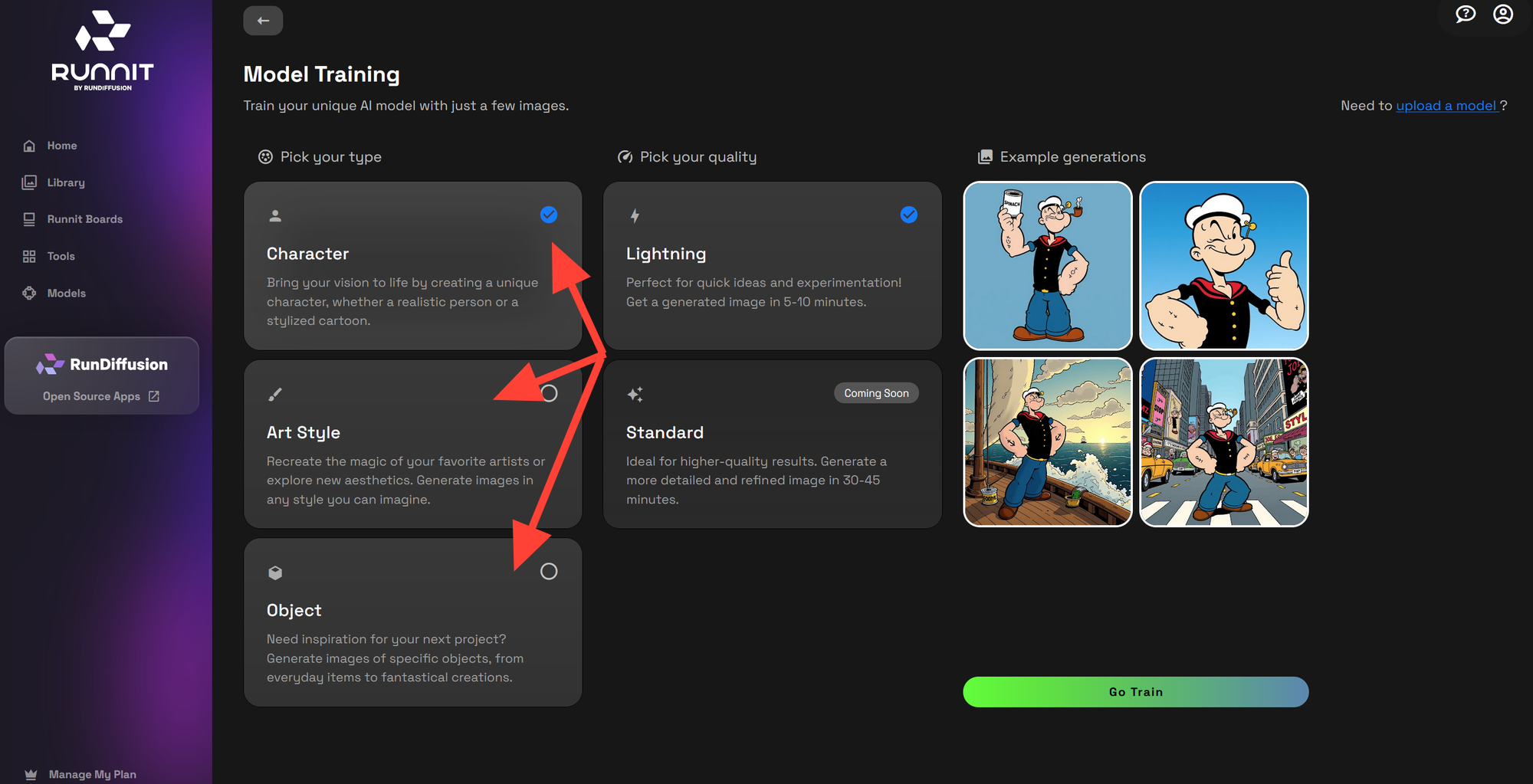
Select a Quality Level:
Lightning – Faster training time with optimized results.
Standard – More refined training but slightly longer processing time.
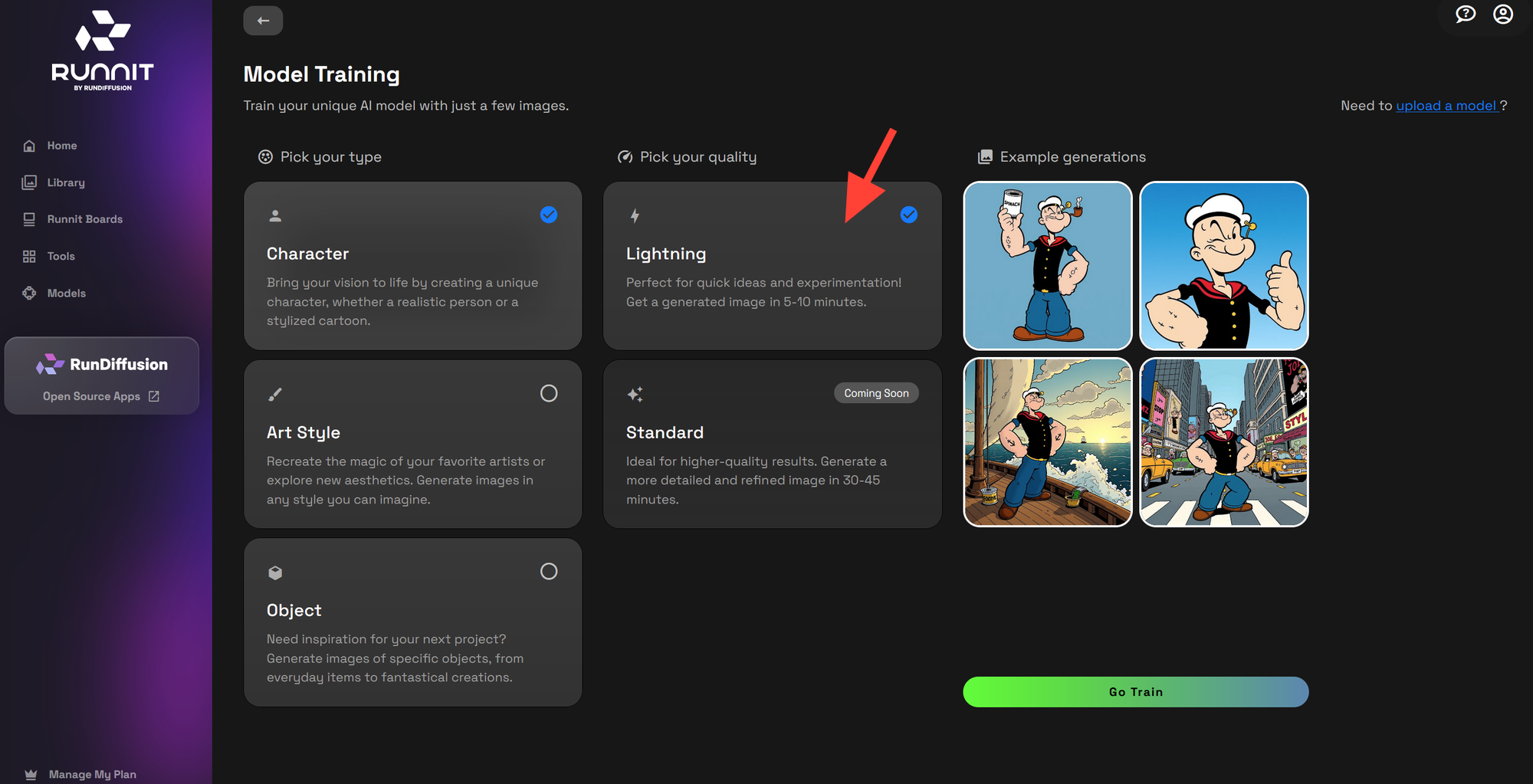
Wait 5-10 minutes for the training to complete.
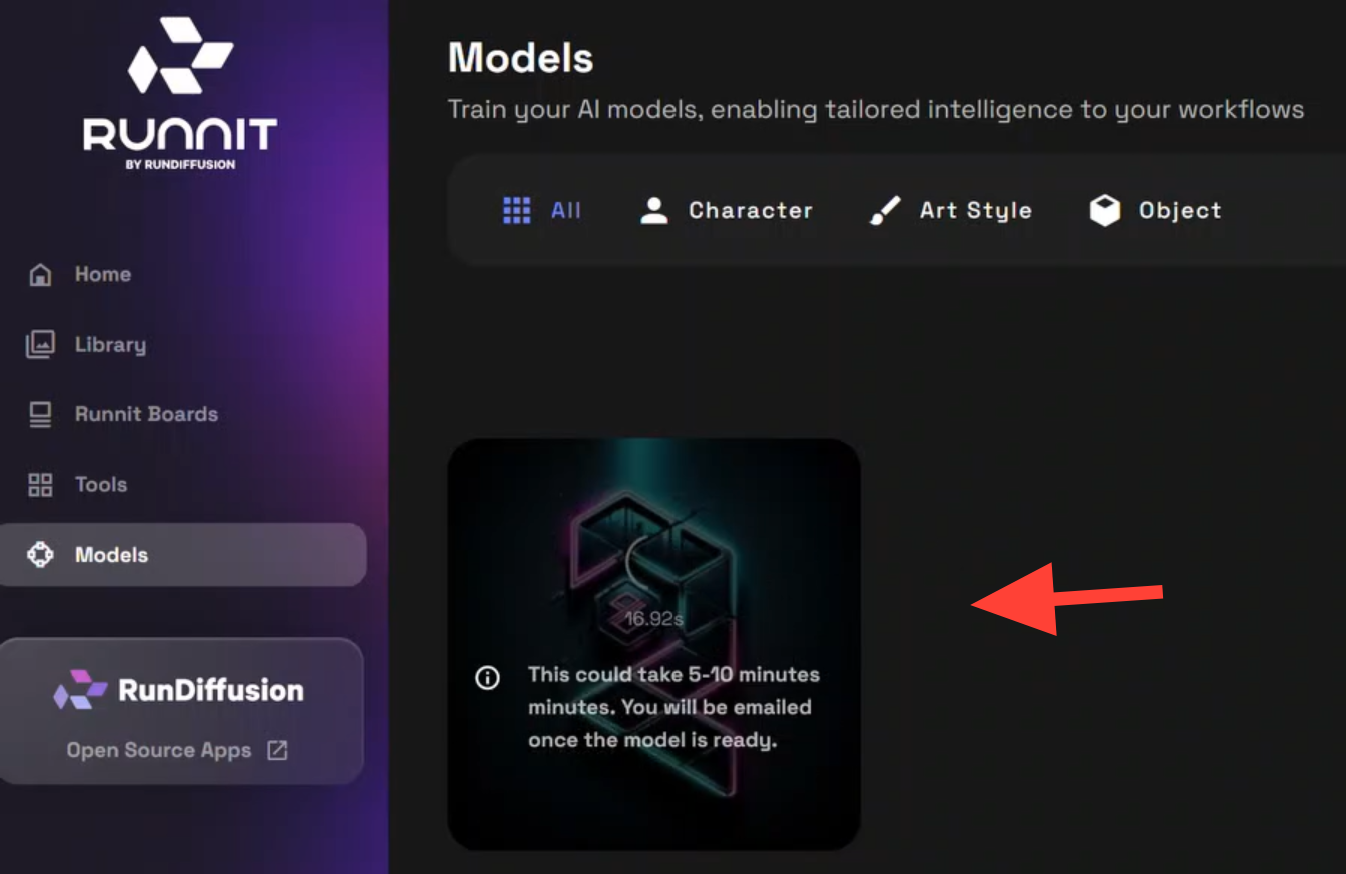
Click on the completed model to review it.
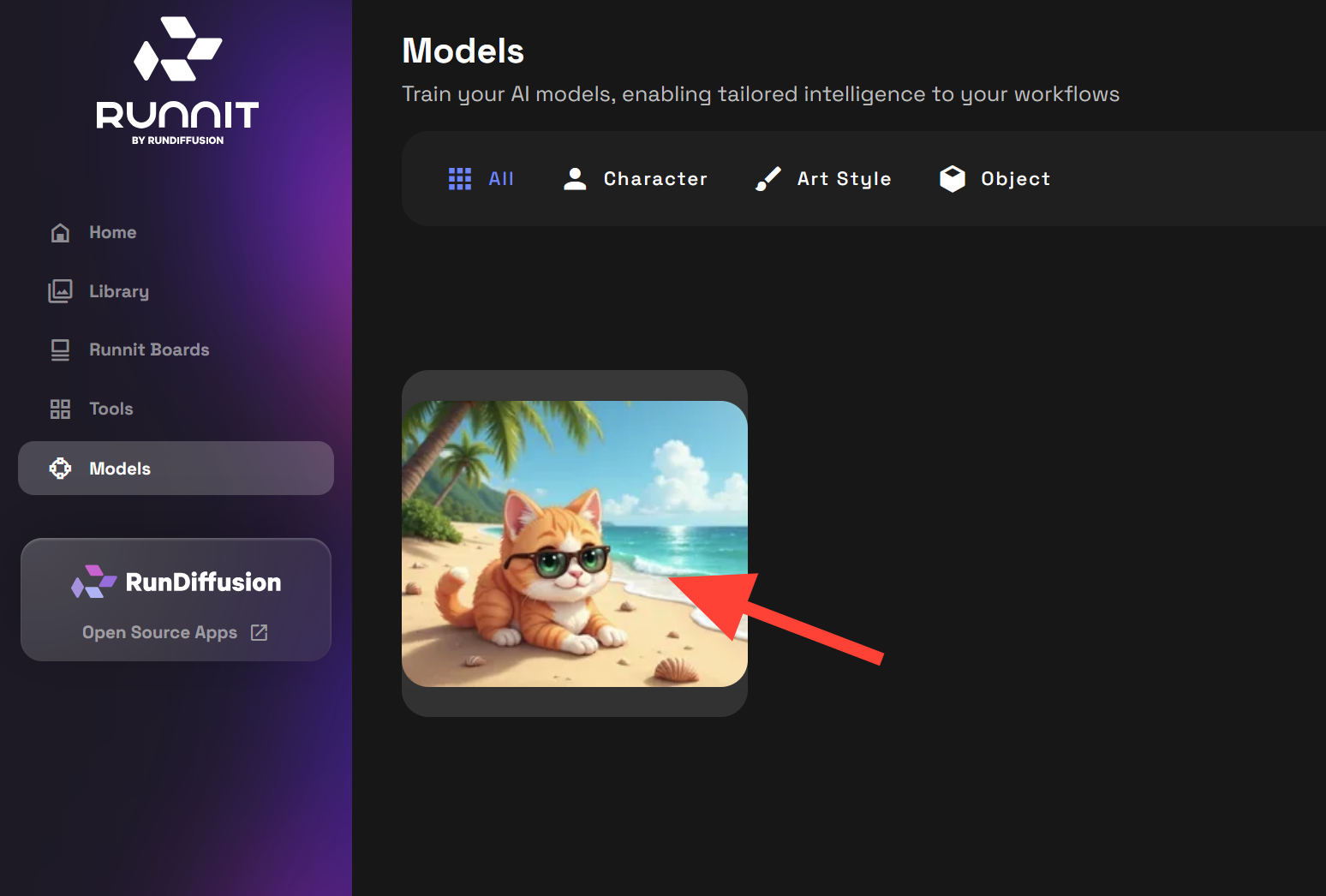
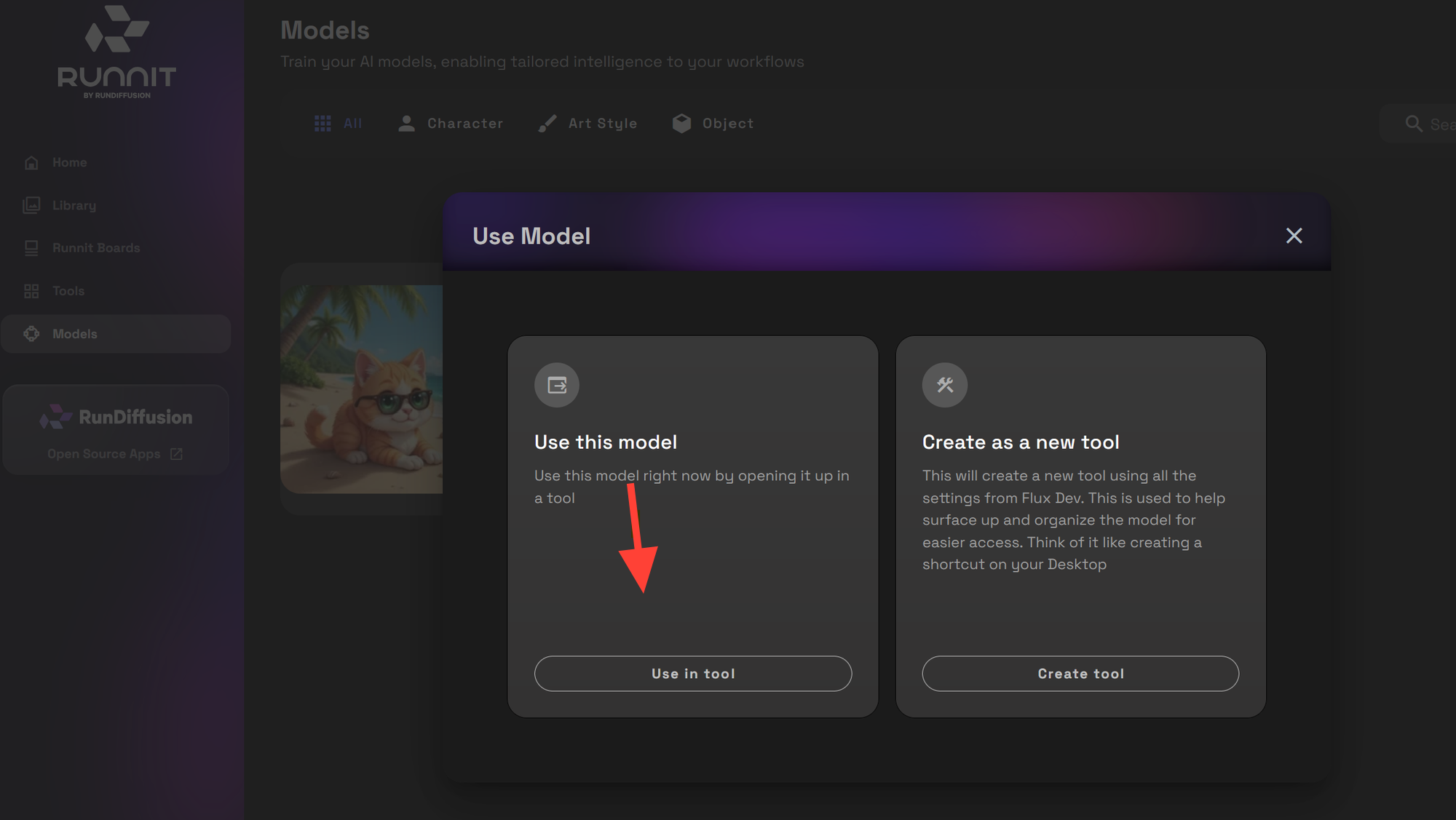
Click Use in tool to apply it.
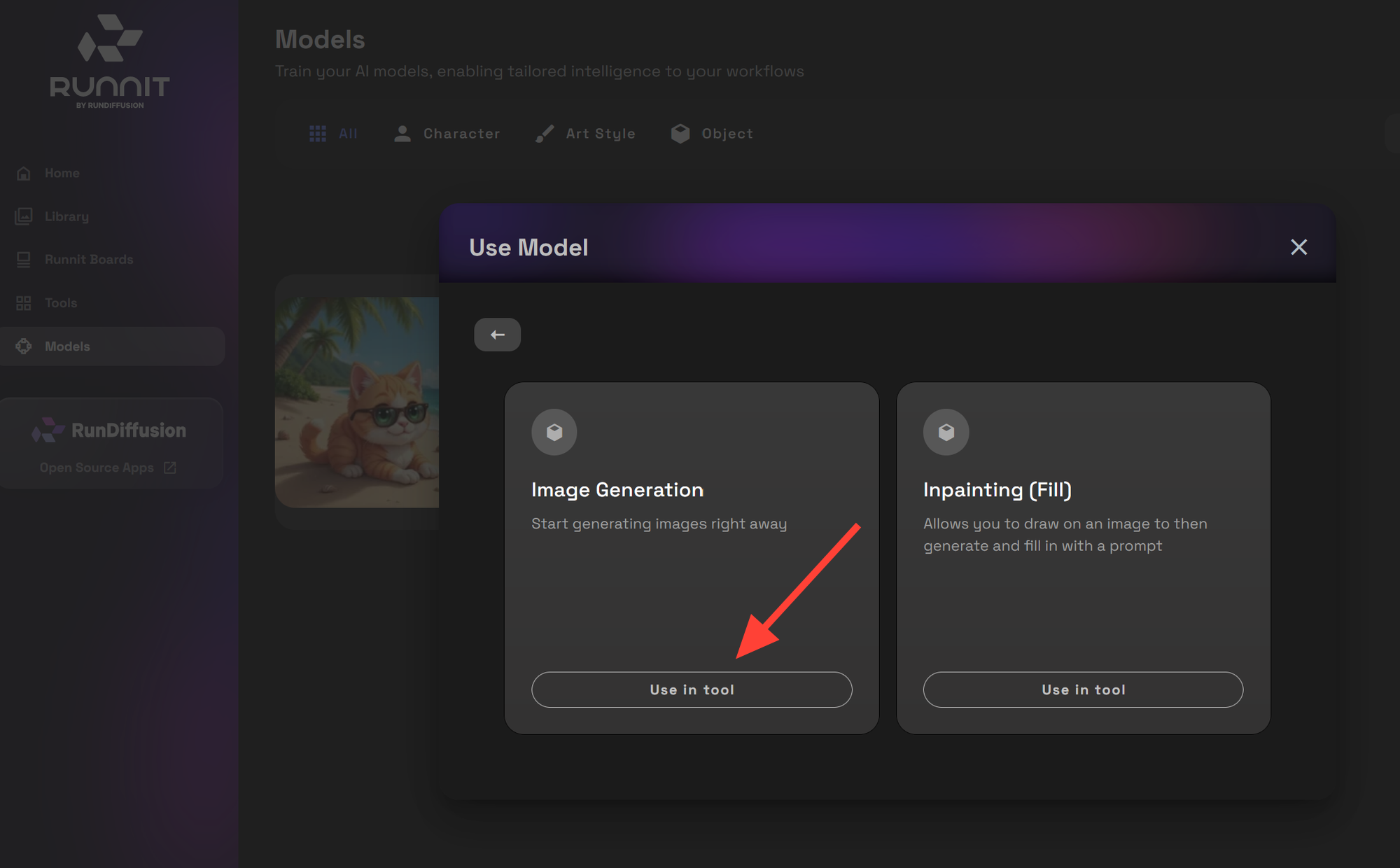
Click on Image Generation Use in Tool
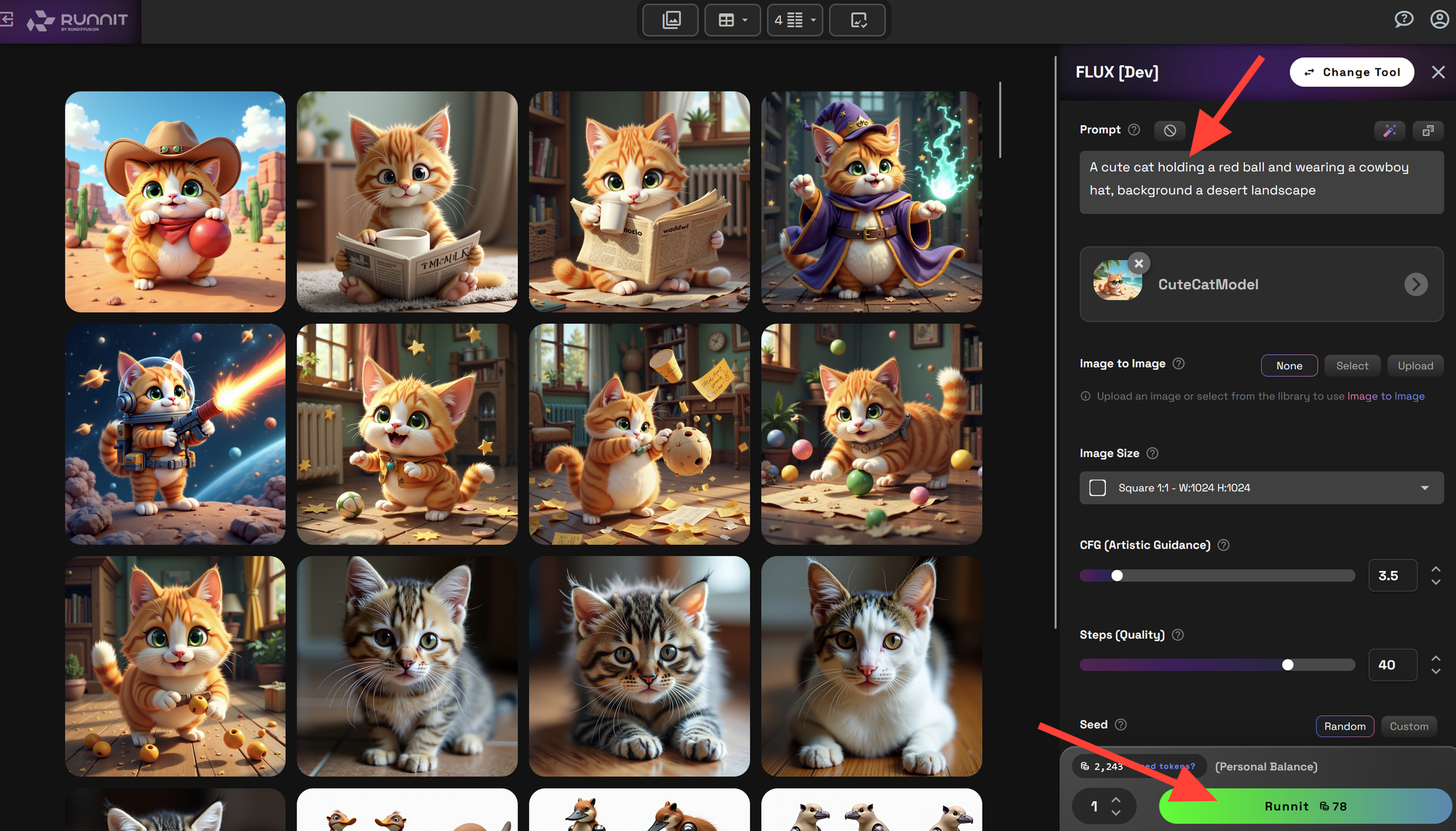
Enter a prompt and click Run to generate AI images using your new custom model.
Important Notice on RunDiffusion Trainer Models
Models trained using the RunDiffusion Trainer are restricted for use within the RunDiffusion Platform and cannot be exported for external applications. If you require a model that can be used locally or in other software, please utilize RunDiffusion’s open-source applications for training.
For more details, visit our documentation or contact support.
Get Started Today!
The RunDiffusion LoRA Trainer makes AI model training accessible to everyone. With just a few clicks, you can create a unique model tailored to your creative needs. Try it out today on RunDiffusion and bring your AI-powered visions to life!